

NIGHTCLUB MAP CONTEST
Try to get only 1 free version of ProdigyNightClub by creating the most beautiful nightclub.
This contest is available Today (9th July 2018) - next week (16th July 2018)
With my team we will vote and select your map.
Let your map here :
https://goo.gl/forms/eLSR0l8uWtcgrryF3
Join the discord and share your map too

Examples of map already posted :

Would you like to get and directly test the plugin with the map like in the video just download it here
Do not rename the world, or replace every "world" from the database to another name as the folder name of the map
Do not rename the world, or replace every "world" from the database to another name as the folder name of the map
Step 1 Area
Step 2 Projectors
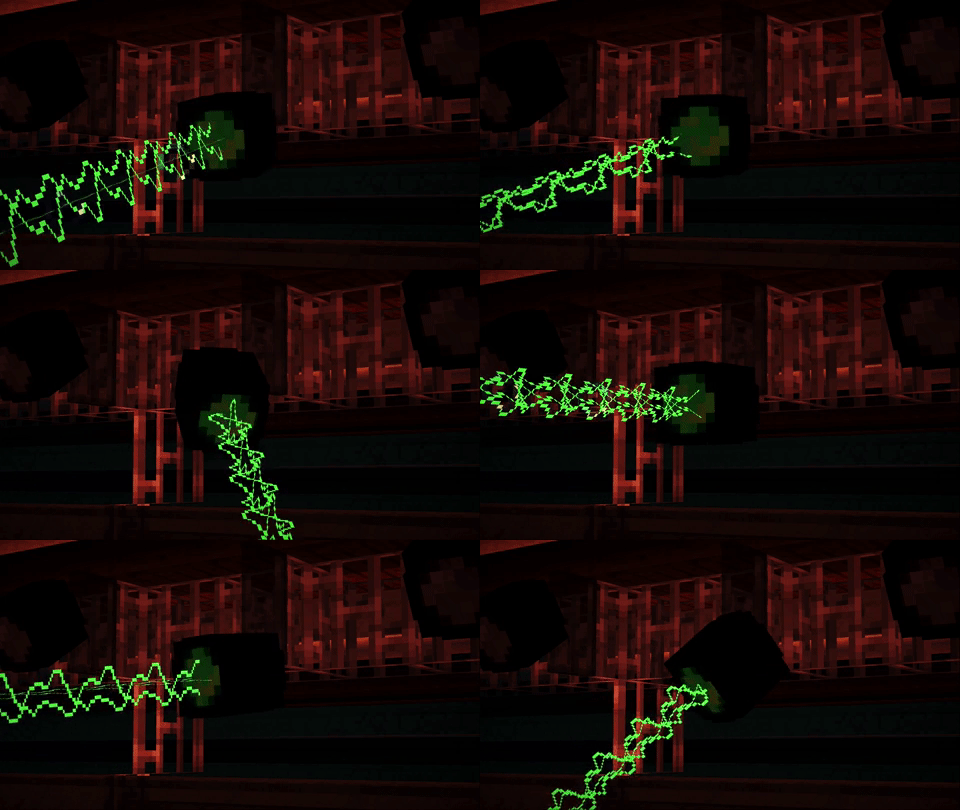
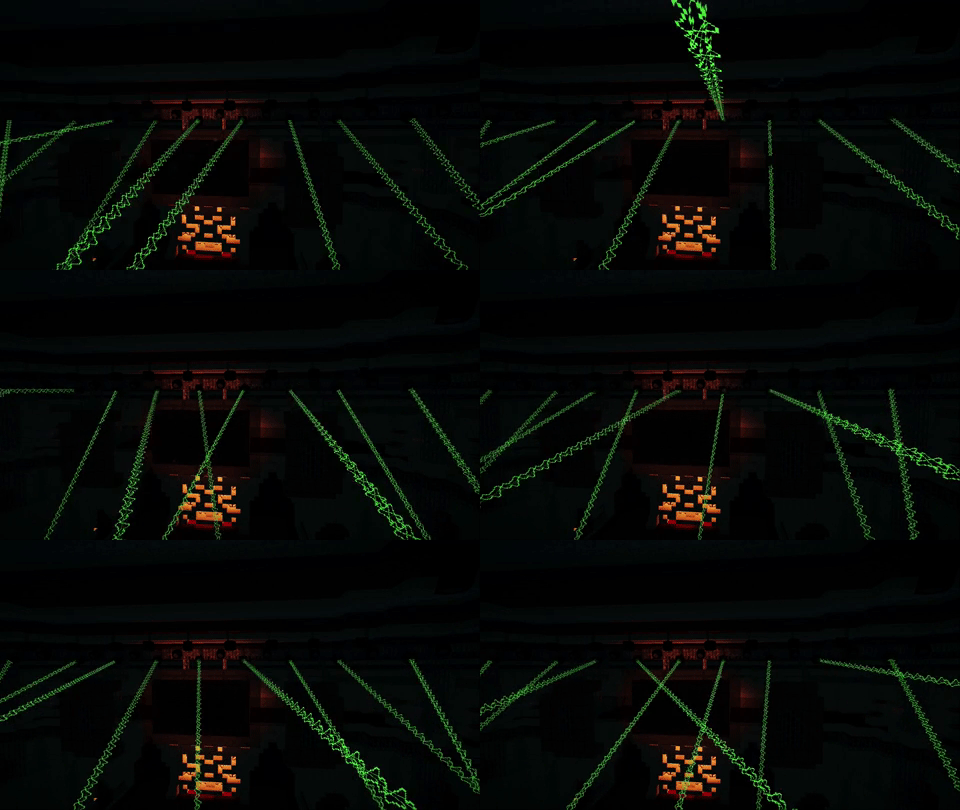
Step 3 Effects
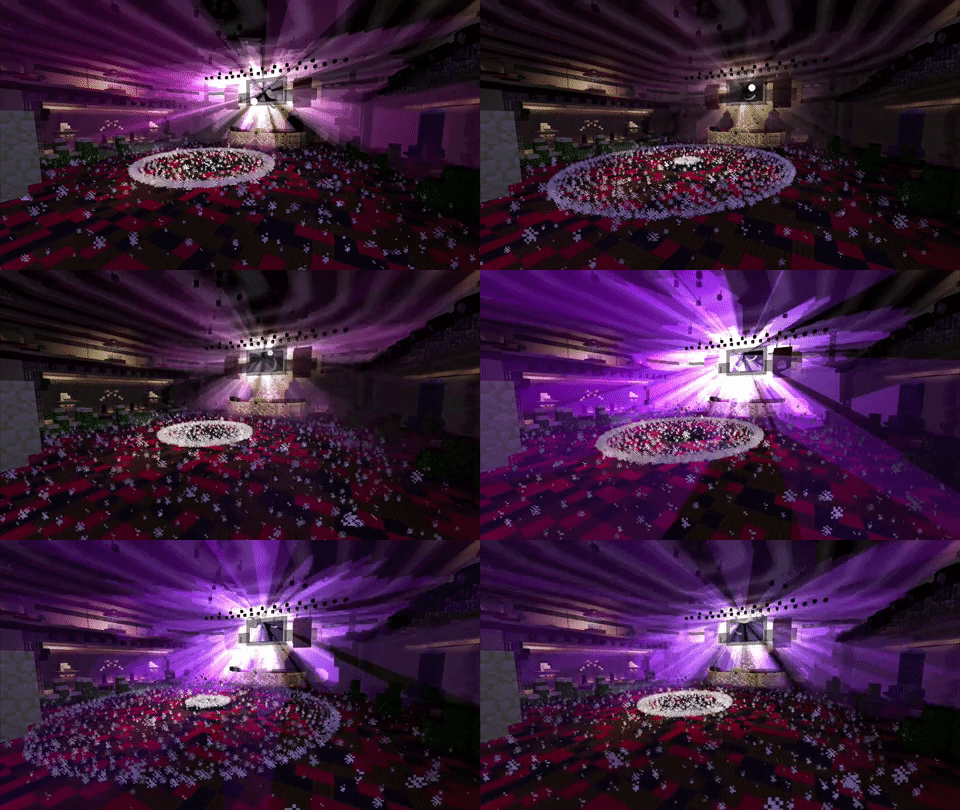
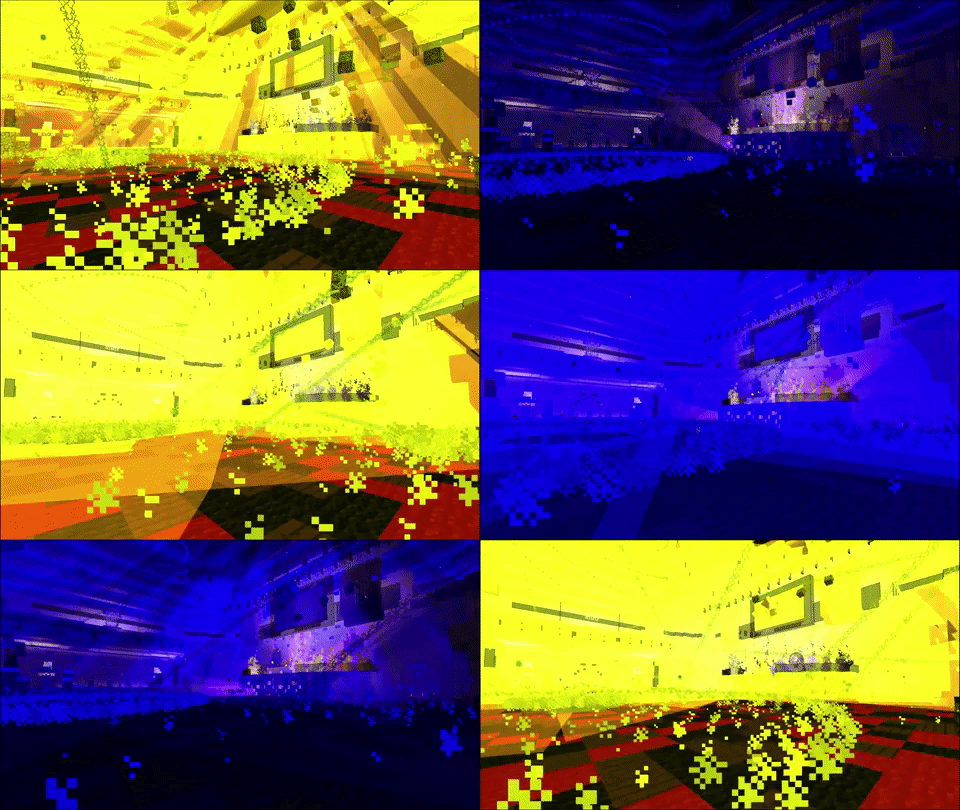
Step 4 Staff
First you need to create nightclub map:
When player enter in this area every effects will spawn.
then select the area where players can see every visual effects: /pnc setup area
You will receive a magic stick, select minium point A (left click) and maximum point B (right click) .
Then create the area where visuals effects will spawn
This is the same process: /pnc setup visualarea
When player enter in this area every effects will spawn.
then select the area where players can see every visual effects: /pnc setup area
You will receive a magic stick, select minium point A (left click) and maximum point B (right click) .
Then create the area where visuals effects will spawn
This is the same process: /pnc setup visualarea
Step 2 Projectors
Now you can place projectors:
/pnc projector place, will give you an end_rod.
Place it where you want laser, be careful you position is the direction of the laser.
if you made a mistake do not worry: /pnc projector remove
and left click on the projector you want to remove.
when you have placed some projectors you can place the lever to perform them: /pnc projector lever <type>
type is the rotation type that you want:
random, slow, randomfast, speedregular or static
After this command you will get a lever, place it where you want.
if you want to activate the same projector with another lever and another rotation type you can !
/pnc projector lever <type> again, do not worry your projectors are already selected do not need to select them again.
However if you would like to place other projectors you should perform this command: /pnc projector forget, to forget your previously selected projectors.
If you forgot a projector, do not worry you can transfer it to a lever by using: /pnc projector transfer <Projector ID> , and target a lever.
/pnc projector place, will give you an end_rod.
Place it where you want laser, be careful you position is the direction of the laser.
if you made a mistake do not worry: /pnc projector remove
and left click on the projector you want to remove.
when you have placed some projectors you can place the lever to perform them: /pnc projector lever <type>
type is the rotation type that you want:
random, slow, randomfast, speedregular or static
After this command you will get a lever, place it where you want.
if you want to activate the same projector with another lever and another rotation type you can !
/pnc projector lever <type> again, do not worry your projectors are already selected do not need to select them again.
However if you would like to place other projectors you should perform this command: /pnc projector forget, to forget your previously selected projectors.
If you forgot a projector, do not worry you can transfer it to a lever by using: /pnc projector transfer <Projector ID> , and target a lever.
Step 3 Effects
Now you can place Visuals and effects.
Effects need a location contrary to visuals.
/pnc effect , to see the tutorial.
Some visuals are configurable,
after placing them, checkout ProdigyNightClub/data/effects.yml
Tornado:
id:
'0':
location:
==: org.bukkit.Location
world: world
x: 75.69342511488483
y: 64.0
z: -49.435863778038154
pitch: 3.503832
yaw: 272.03076
radius: 6.0
maxHeight: 80
or
Ground:
id:
'0':
location:
==: org.bukkit.Location
world: world
x: 75.69342511488483
y: 64.0
z: -49.435863778038154
pitch: 3.503832
yaw: 272.03076
radius: 20
amount: 30
particle: EXPLOSION_NORMAL
Effects need a location contrary to visuals.
/pnc effect , to see the tutorial.
Some visuals are configurable,
after placing them, checkout ProdigyNightClub/data/effects.yml
Tornado:
id:
'0':
location:
==: org.bukkit.Location
world: world
x: 75.69342511488483
y: 64.0
z: -49.435863778038154
pitch: 3.503832
yaw: 272.03076
radius: 6.0
maxHeight: 80
or
Ground:
id:
'0':
location:
==: org.bukkit.Location
world: world
x: 75.69342511488483
y: 64.0
z: -49.435863778038154
pitch: 3.503832
yaw: 272.03076
radius: 20
amount: 30
particle: EXPLOSION_NORMAL
Step 4 Staff
Now you can place staff by using /png staff
The guard is special, after placing a guard you can set its perm and radius
The permission is the perm needed to enter, if no perm is set the guard will push everyone.
you can set the protect radius too.
Then each staff member can be constant or not.
It means that even if a player is leaving the area the Staff member is still alive. /pnc staff <type> <id> setconstant (toggle mode)
The guard is special, after placing a guard you can set its perm and radius
The permission is the perm needed to enter, if no perm is set the guard will push everyone.
you can set the protect radius too.
Then each staff member can be constant or not.
It means that even if a player is leaving the area the Staff member is still alive. /pnc staff <type> <id> setconstant (toggle mode)
Coming features !
- Optimized calcul to spawn particles
- More and Better laser rotations
- Ticket system and hostess buyable (vault support)
- Drinks with barman
- musics (noteblocks or ressourcepack)
- disco effect with nametagedit support
- /pnc, display help menu
- /pnc staff, display help for staff
- /pnc projector, display help for spotlight
- /pnc effect, display help for effect
There is only 2 permissions:
- pnc.admin , use commands
- pnc.engineer , interact with lever to activate
The Guard will allow entry only if the player has this permission.
Depency
You must install ProtocolLib
Vault SoftDepend [SOON]
Vault is necessary if you are using the purchase ticket system
You will need an economy plugin too.
Well designed
I love beautiful plugins, with particles, effects and so on.
This is why ProdigyNightClub is amazing.
Everything is unique in this plugin,I just have some parts of my plugin ProdigyGadget to make the dj
Very very fast support
I am committed to responding quickly to all of your questions, check the review section if you do not trust me.
If you need a permission or you need information contact me !
I fix all bugs and problem you ask me
If I think that your idea request is good, I will add it.
POWERFUL
- This is a first version of the plugin, we are going to test it with a large server. Meanwhile, PNC is made with packets, it means that everything* is sent for the client. (*Without some effect like experiencerain and the dj)
- Some effects like blue, flash and darkness do not work with some ressourcepack and shaders. Moreover they generate rain, so if you use an outside nightclub you should set a wall of barrier block in the sky.
Do not trust me ?
Not Convinced at all ?
Come test prodigygadget and prodigynightclub
/nightclub
Come test prodigygadget and prodigynightclub
/nightclub
DO NOT FORGET TO LET YOUR REVIEW

![Mob Farm Manager [supports 1.7.10 up to 1.17] Hopper support](/data/resource_icons/14/14237.jpg?1782806938)

![Nog's Animations [Plushify]](/data/resource_icons/1/1911.jpg?1781574194)
![EpicWorldGenerator MODERN [1.21.11 / 26.1.2] Now with Multiverse Support! (EWG)](/data/resource_icons/0/839.jpg?1782116339)
